For iPhone, iPad and Mac

Step inside the 360° photos you already have.

Panosphera finds the 360° photos, videos and panoramas in your Photos library, lets you look around them by dragging or by moving your phone, plays them back as a feed of your own moments, and turns the best of them into clips you can share anywhere.

Everything runs on your device. No account, no upload, no tracking.

The Panosphera mark: a glass sphere as a lens over a widescreen panorama, an orbiting dot above it
Try it here

A 360° video is a place, not a picture.

Drag to look around while it plays. Pinch or scroll to zoom. This is the same sphere the app puts you in, with two videos and a photo to try.

Loading the panorama…
HEADING 000°PITCH +0°FOV 80°
Drag to look around

Video: Casaroro Falls, Negros, Philippines. 360° stock footage licensed from Pond5.

Orbit

Your own moments, as a feed.

Orbit is a short-form feed built from your library, not a social network. It surfaces the 360° moments you forgot you had, new and old, one at a time, and every one of them is a place you can turn around in.

  • Flick up for the next moment. Drag or tilt to look around the one in front of you.
  • Fresh every time: a weighted shuffle that favours what you haven't seen in a while, and what you marked as a favorite.
  • Nothing here is anyone else's. It's your photos and your videos, on your phone, and it never leaves it.
The rest of the app

Tap either phone to see it full size.

Library

It finds what is already there.

Open Panosphera and your 360° photos, 360° videos and iPhone panoramas are already sorted out from the rest of your library, badged by kind, searchable by date, place and what is in them. Nothing to import.

  • Reads the spherical metadata cameras write, and recognizes 360° footage without it.
  • A Featured moment each day, and Spotlight picks chosen on the device.
  • Search runs entirely on the phone.
The Library on iPad: a grid of 360° photos from a dozen places, each badged 360°, grouped by month
Smart Pan

Clips that know where to look.

Smart Pan finds the people and the points of interest in a 360° photo or video, then renders a clip that moves from one to the next, pausing on each. Here it turns across a square in Ulm and settles on the Minster. Pick the shape, the length and the direction, watch the preview, share. Or record the path yourself by looking around while it plays.

  • 9:16 for stories, 1:1 for feeds, 16:9 for everything else.
  • Color managed, so the clip matches what you saw.
  • Stitched panoramas sweep edge to edge, never through the seam.
0.2 s
2.0 s
4.0 s
6.0 s
8.0 s
Little Planet

The whole place in one round picture.

Little Planet folds a 360° photo or video into a disc: the ground in the middle, the horizon a circle, the sky all around. Turn it, tilt it toward the horizon, pinch in on the detail. Share it as a still in any shape, or as a spinning clip that turns once and loops.

  • Every pixel is projected on the fly, so it stays sharp as you zoom and there is no seam.
  • Works on 360° videos too: the planet plays while you turn it.
  • The same sunset as the demo above, seen from directly overhead.
Explore

A library to fill, and places to fill it from.

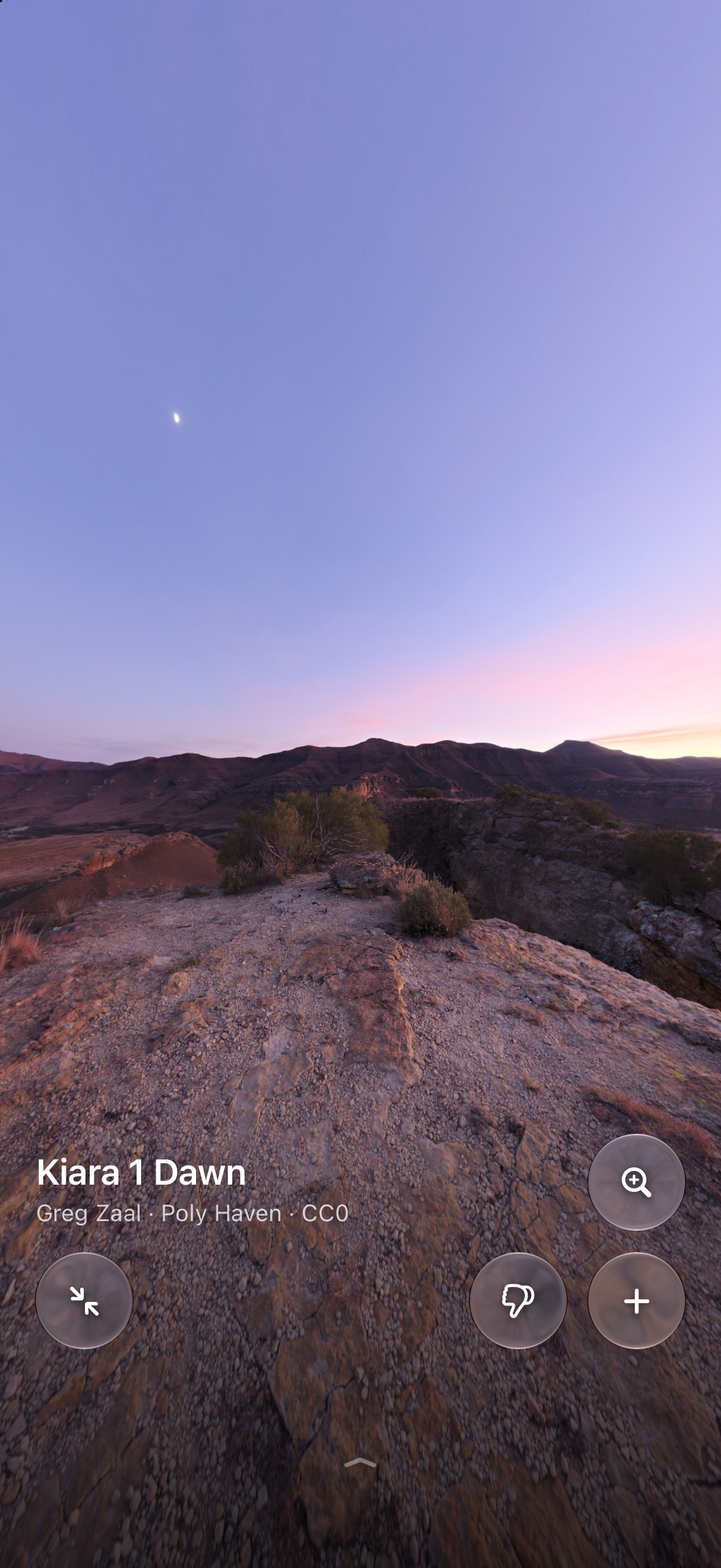
No 360° camera yet? Explore is a catalog of free 360° scenes: night skies, sunsets, coasts, mountains, city squares, all from sites that publish them for anyone to use. Pick one, tap Add, and it lands in your library and your Panosphera album with where and when it was taken. Refreshed daily.

  • Curated rows per source, with each site's license up front; Poly Haven's CC0 scenes need no credit at all.
  • Pills for other sites open in the app, and whatever you save there joins your album when you come back.
  • Added scenes are marked as samples, so they never crowd out your own moments in Spotlight or Memories.
The Explore tab on iPhone: rows of free 360° scenes from Poly Haven, Night Skies first, with Orbit in the center of the tab bar
Share This View

Send the view, not the sphere.

Frame the part of a 360° photo you want, share it as a flat photo at the shape you need. Preview first; retake if you want a different angle.

The Share This View preview with the shape picker set to 1:1
Memories

Titled by where, not by guesswork.

Memories group your 360° moments into events and name them by place and date, using the location your photos already carry. No invented captions.

Memories on iPhone: cards titled Crossrail Place Roof Garden, Oct 3, 2025 and Cape Town, Mar 15, 2025
Captions

Words, on the device.

When a 360° video has speech, Panosphera transcribes it on the phone and shows captions as it plays. Nothing is sent anywhere to do it.

iPad and Mac

The same sphere, bigger.

On iPad the library sits beside the viewer, and a keyboard and trackpad drive it: arrow keys turn, space plays, a two-finger scroll looks around. On the Mac the viewer opens in its own window.

The viewer on iPad in landscape: a 360° photo with the control bar
Privacy

Nothing leaves your phone.

Panosphera asks for one thing: access to your photos. Everything it does with them happens on the device.